
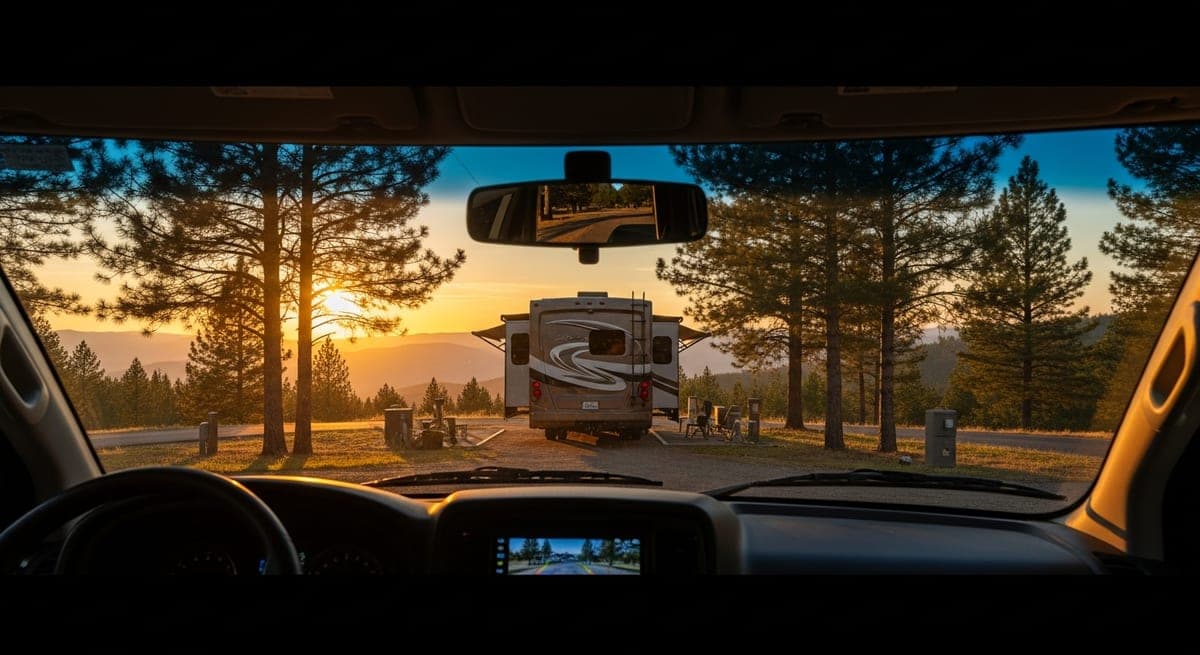
On large RV owner forums and in full-timer Facebook groups, backing incidents consistently rank among the most frequently cited sources of campground repair bills — posts clipped on entry, site markers overrun, neighboring campers' gear grazed. Veterans on communities like iRV2 and The Escapees point to one root cause more than any other: operating without direct rear visibility. Owner feedback across rig types indicates a basic wireless system (roughly $80–$150 as of mid-2026) costs far less than a single minor collision deductible.
Why Trailer Owners Call It Non-Negotiable
If your RV came with a factory backup camera, owner experience across forum communities suggests your setup is adequate for most situations. If your rig doesn't have one — common on older rigs and nearly universal on entry-level trailers — the consensus among experienced owners is strong: add one before your first backing-heavy trip.
For towed vehicles, the case is especially direct. Owner feedback from fifth-wheel and travel trailer communities is consistent: backing a trailer from truck cab mirrors alone is a skill that takes months to develop reliably. Full-timers describe a rear camera as the single change that made solo site entry manageable. Forum discussions use a consistent frame — backing goes from a mirrors-and-guesswork process to a direct visual one, and owners report the difference is immediate.
Wired vs. Wireless — What Owners Report
Wired systems run a cable from the rear camera through the RV to a front monitor. Owner reviews consistently cite reliable signal and no battery concerns as the main advantages, with the trade-off being a more involved installation — running wire through walls and potentially drilling. The consensus among motorhome owners is that wired systems suit permanent installs on Class A, B, and C rigs where the one-time setup effort pays off over years of use.
Wireless systems transmit video to the monitor without a cable run. Full-timer feedback highlights easy installation — often just mount and plug into a 12V socket — as the primary draw. Signal quality is more variable, and owners in areas with heavy wireless traffic (busy RV resorts, fairgrounds) occasionally report dropout. The consensus in trailer communities is that wireless is the practical choice for travel trailers and fifth wheels, where running wire from trailer to truck is impractical.
What Owners Run by Rig Type
Motorhomes (Class A, B, C): Owner threads on motorhome-focused forums most frequently recommend wired systems with a 7-inch monitor that integrates with or replaces the existing dash display. Brandmotion and Rear View Safety are frequently mentioned on motorhome forums as reliable options in this category. Owner-reported pricing as of mid-2026 runs approximately $200–$400 for complete systems.
Travel trailers and fifth wheels: Furrion and Haloview appear consistently in owner recommendation threads for trailer applications. Furrion produces a system designed specifically for trailers with a standardized connector, and many newer trailers come pre-wired for compatible cameras — owners report that the factory pre-wire reduces the purchase to a drop-in camera rather than a full install. Owner-reported pricing as of mid-2026 runs roughly $150–$300 for complete systems.
Budget options: Brands like AMTIFO and Yakry appear in budget-focused owner discussions, with units running approximately $60–$100 as of mid-2026. Owner reviews in this tier are generally positive for clear-weather use, with the most consistent complaint being signal degradation in wireless-congested environments.
The Features Owner Reviews Consistently Mention
- Night vision: Infrared night vision comes up in nearly every owner recommendation thread. Full-timers report that a large share of their backing maneuvers happen at dusk or in low-light conditions, and cameras without it are described in reviews as nearly useless after dark.
- Parking lines: Overlay guides projecting the rig's path during turns are widely cited in owner reviews as a feature that makes tight site entries significantly less stressful. Many owners note they didn't expect to rely on it until they tried it.
- Wide-angle coverage: Owner discussions consistently land on 120–170 degrees as the useful range for covering the full rear width of most RVs. Narrow-angle cameras are frequently described in reviews as missing the edges where obstacles most often appear.
- Monitor size: The 7-inch threshold appears repeatedly in motorhome owner recommendations for a dash-mounted display. Owners backing larger rigs report that smaller screens make it difficult to judge clearances quickly while maneuvering.
- Weatherproofing: IP65 or higher is the standard most owner reviews cite as adequate for outdoor use. IP69K is the top rating in the category; owner feedback doesn't suggest a meaningful real-world difference above IP67 for typical campground conditions.
What the Install Actually Involves
Owner install reports for wireless systems consistently describe a 30–60 minute process with basic tools. The camera mounts above the rear door or license plate bracket with provided hardware. Power connections vary: most owners wire to the reverse light so the camera activates automatically in reverse, while others run a hardwired connection; battery-powered options exist for trailers where wire access is difficult. The monitor typically mounts on the dash with a suction cup or permanent bracket and draws power from the 12V socket.
For fifth-wheel and trailer owners: many trailers built in the last several years come pre-wired with a Furrion-compatible connector at the trailer front. Owner threads flag this as worth checking before purchasing a full system — if the pre-wire is present, a compatible camera is the only purchase required.
Related: RV driving tips for first-timers · RV towing guide · RV maintenance checklist
Is that campground membership actually worth it?
Plug in your camping nights and typical nightly rate. Our free calculator does the break-even math for Good Sam, Passport America, Thousand Trails, and KOA Rewards.